Do not click resend yet. First check the CRM destination and account for automatic and manual attempts. A timeout means the sender did not receive a timely response—not that the CRM created nothing.
There are three possible decisions:
- Reconcile a confirmed, complete destination write without resending it.
- Retry once after competing attempts are resolved, using either verified replay protection or authoritative evidence that every attempt made no relevant write or downstream effect.
- Hold and escalate when the evidence supports neither option.
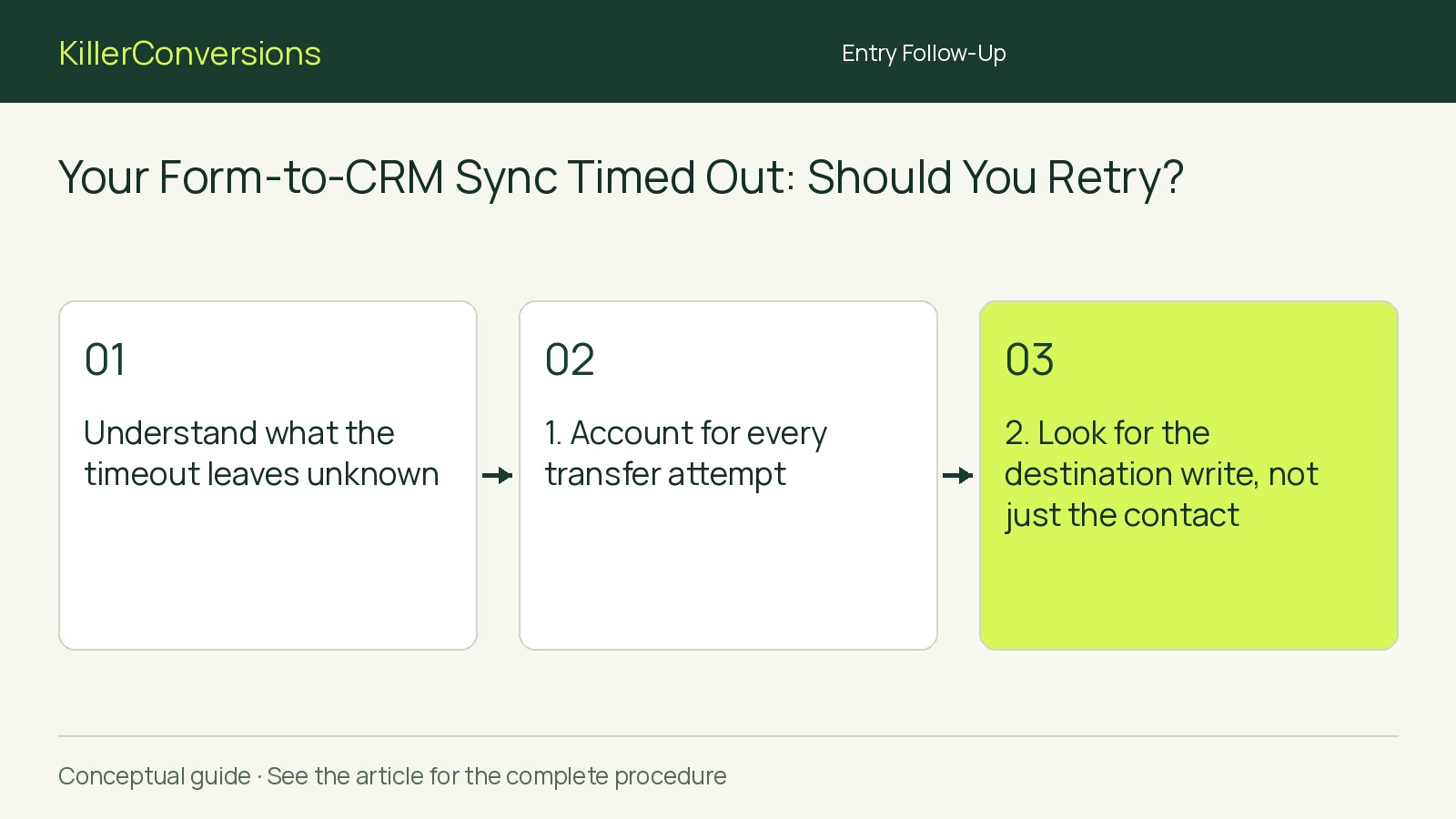
Understand what the timeout leaves unknown
Consider this hypothetical timeline, not an observed incident or a recommended retry schedule:
- 09:00:00 UTC: Submission F-104 is saved, and the integration requests a CRM enquiry record.
- 09:00:02 UTC: The CRM creates R-882, but its acknowledgement never reaches the sender.
- 09:00:20 UTC: The sender records a timeout. This fictional configuration schedules an automatic retry for 09:05.
- 09:02:00 UTC: An administrator considers clicking resend.
The timeout alone does not reveal R-882’s existence. A manual resend could overlap with the scheduled attempt. Whether another record results depends on the actual integration’s behavior.
1. Account for every transfer attempt
Preserve the source reference, destination, attempt timestamps and time zone, available request identifiers, and exact error. Keep visitor content and credentials out of broadly shared incident notes.
Have the integration owner inspect completed, queued and running attempts, including automatic retries. Establish whether manual resend repeats the existing operation or creates a new job, and whether supported controls can pause or cancel just this transfer.
Use those controls only with authorization. Cancelling a queued job does not establish that an already-running request stopped. Record the observed state after any intervention.
If attempts cannot be isolated or their state remains unknown, do not add a manual resend. Escalate coordination and identify which automatic activity may still continue.
2. Look for the destination write, not just the contact
Confirm the CRM account, workspace and record type. A transfer might update a contact while creating a separate enquiry, deal or task; finding the contact alone does not prove completion.
Search by submission reference or request identifier where it is actually mapped and searchable. Corroborate candidates using creation time, submitted service and relevant details. Email alone does not identify one enquiry.
Ask an authorized CRM administrator to inspect available request history, record history and related objects. Record any match and missing expected action.
An empty search is inconclusive: permissions, filters, delayed visibility or another destination object may explain it. Write “not found in the locations checked,” not “never created.”
3. Establish what replay protection really covers
Consult documentation for the actual connector, destination operation and configuration. A button labelled “retry” does not establish duplicate-safe behavior.
An idempotency key, where supported, identifies an operation so a repeated request can be handled without repeating the write. A searchable submission reference is not necessarily such a key.
Check these limits:
- Identity: Do automatic retries and manual resends reuse the same protected operation identifier?
- Scope: Are relevant related records and triggered actions covered?
- Duration: Is the request still within the protection period?
- Consistency: Must the payload—the data sent in the request—remain unchanged, and will resend preserve it?
- Concurrency: What happens when attempts overlap?
An “upsert”—update a matching record or create one—does not itself establish that related tasks or notifications cannot repeat.
For verification, use fictional data in an authorized isolated environment, follow the documented replay path and control external actions. Inspect relevant destination effects. A successful sequential replay does not establish behavior during overlapping requests, expired protection or a lost acknowledgement. Leave unverified conditions marked unknown.
Choose the branch the evidence supports
Reconcile a confirmed complete write
Reconcile when evidence ties the intended CRM record to the submission and its expected contents and related actions are accounted for.
Have the integration owner resolve outstanding jobs through supported controls. Do not replay everything merely to clear an error label. Investigate a missing action separately and arrange an authorized repair.
Authorize one controlled retry
Resolve competing attempts first. Then require one of these evidence routes:
- Protected replay: Documented, verified protection applies to this exact operation and its relevant effects, within its identifier, payload, timing and concurrency limits.
- Established no-write: Authoritative connector or CRM evidence establishes that every attempt—including completed automatic retries—made no relevant write or downstream effect, with no processing underway and no attempt pending.
A timeout, generic failure status or empty search establishes neither route. If the actual systems cannot establish either route, hold.
Name one authorized operator. Follow the documented retry path, preserving any required identifier and unchanged payload. Record the attempt time, response and destination outcome separately. Another timeout means investigate again, not repeatedly click resend.
Hold and escalate
Hold manual replay when attempts remain unaccounted for or neither retry route is established.
Give the integration or CRM administrator the references, timestamps and unresolved question. Assign someone to follow up on the saved enquiry through the approved process without creating another CRM record as an improvised workaround.
Write the decision note, then verify
For the fictional timeline, assume authorized checks establish the observations below. This completed note is an example, not evidence about your integration:
- Source and destination: F-104; CRM enquiry R-882.
- Completion evidence: CRM administrator confirmed the mapped source reference, expected fields and one expected follow-up task.
- Attempt state at 09:03 UTC: History shows only the original attempt. The 09:05 retry was cancelled through supported controls; no request remains in flight or queued.
- Replay protection: Not relied upon because no replay is authorized.
- Decision: Reconcile—no resend. Retain the destination reference with the incident.
- Authorized owner: Integration administrator, responsible for resolving the transfer status through supported controls.
- Next review: 09:10 UTC, after the cancelled retry’s scheduled time.
A successful sender status alone does not prove the intended CRM outcome occurred exactly once.
Write the equivalent note for your transfer, separating facts from unknowns. At the recorded review time, have the named owner verify destination contents and related effects, recheck completed, queued and running attempts, and record any unresolved discrepancy.